
__24C05D67dI.webp)
2026-04-22
SSD University
Are SSDs Really Useful in NAS? How Enterprise-Grade SSDs Enhance NAS Performance
For most people, NAS (Network Attached Storage) is primarily viewed as a "high-capacity storage device" for storing large amounts of cold data, leading to the intuitive assumption that traditional hard disk drives (HDDs) are the appropriate choice. However, as modern enterprises and professional creators employ NAS in increasingly diverse scenarios—including virtualized environments, high-frequency access, heavy I/O operations, multi-user collaboration, and real-time video editing—the demands for IOPS (Input/Output Operations Per Second) and latency performance have risen accordingly.
Under these circumstances, traditional HDDs struggle to meet the performance requirements of high-frequency access. Solid State Drives (SSDs), with their low latency, high throughput, and rapid response characteristics, have become critical components for enhancing overall NAS performance and user experience. This article explores the application value of SSDs in NAS and explains why selecting "enterprise-grade SSDs" is key to improving system stability.
Under these circumstances, traditional HDDs struggle to meet the performance requirements of high-frequency access. Solid State Drives (SSDs), with their low latency, high throughput, and rapid response characteristics, have become critical components for enhancing overall NAS performance and user experience. This article explores the application value of SSDs in NAS and explains why selecting "enterprise-grade SSDs" is key to improving system stability.
What is NAS (Network Attached Storage)?
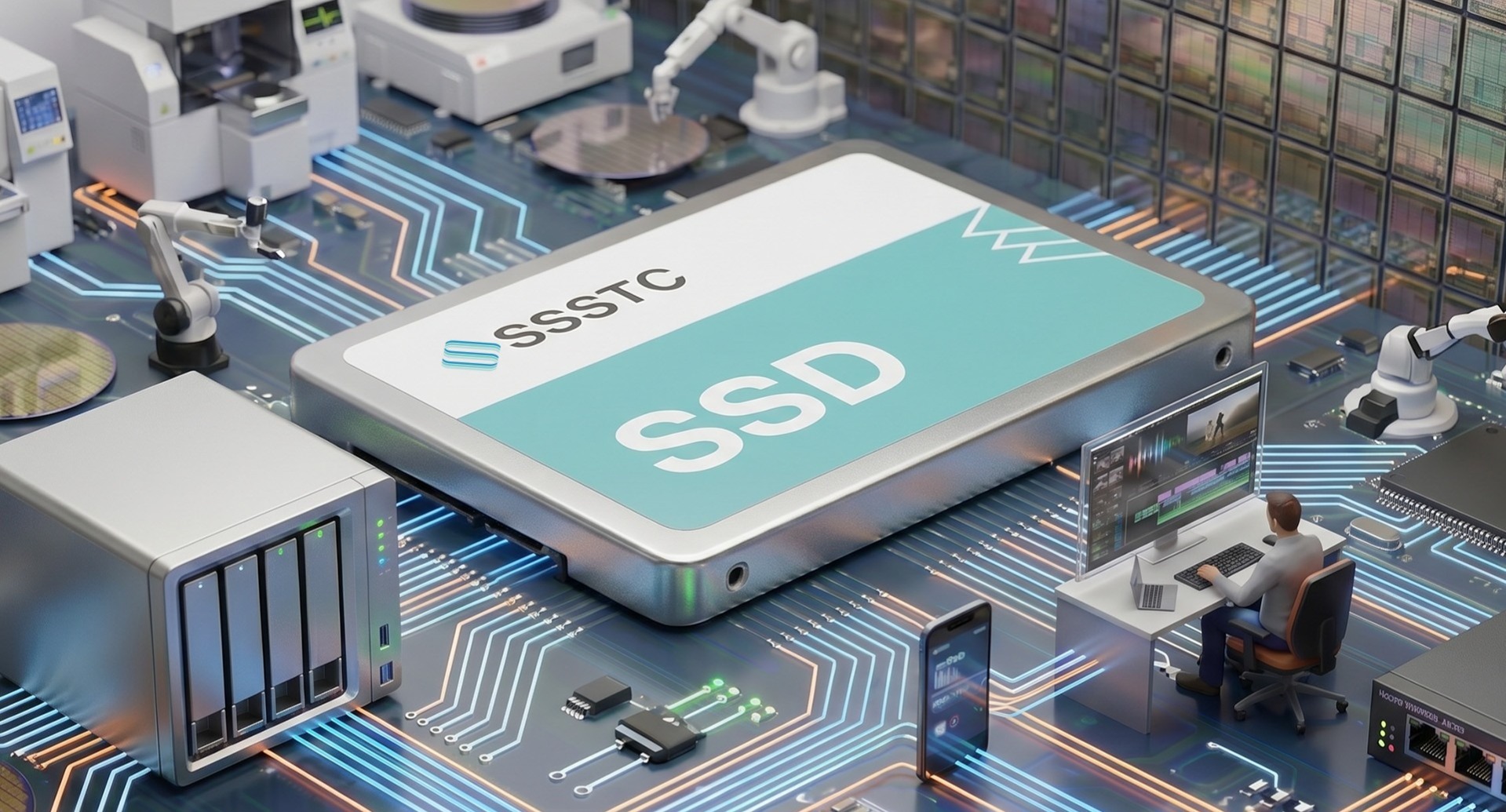
NAS (Network Attached Storage) is a file storage device that can house one or multiple hard disk drives (HDDs) or solid state drives (SSDs). Its primary function is to provide centralized, shareable data storage space, allowing various devices such as computers, tablets, and smartphones to access files anytime via local networks or the internet. Common uses include backup, file synchronization, media servers, and deploying applications in containers.
Three Typical SSD Applications in NAS
-
Cache
SSDs are frequently used as cache in NAS to accelerate access to frequently used hot data:
• Read Cache:Accelerates data read speeds, reducing latency when loading from HDDs.
• Write Cache:Temporarily stores write data on SSDs, then writes it to HDDs in batches during system idle time, helping to reduce HDD load.
For high-frequency operation applications such as file servers, video editing, and virtual machine storage, this cache design effectively improves system response speed and overall operational experience. -
Tiered Storage
High-end NAS systems typically support automatic tiered storage functionality, which can automatically store frequently used (hot) data on SSDs based on data usage frequency to accelerate read/write operations, while moving infrequently used cold data to HDDs, achieving a balance between access performance and storage costs. This architecture is particularly suitable for file sharing and mixed application scenarios, such as simultaneously running ERP systems and surveillance recording workloads, helping different types of storage resources achieve optimal efficiency and realize intelligent data management. -
All-SSD NAS Architecture
For low-latency, I/O-intensive application scenarios such as high-frequency transaction record storage, database queries, small AI model training and inference, and virtual machine or container storage nodes, all-SSD NAS can provide high-speed, stable data processing capabilities. Although hardware deployment costs are relatively high, its advantages in response speed and data processing efficiency are comparable to server-grade storage systems, making it an indispensable solution in high-performance application environments.
Usage Considerations
-
Avoid Using Consumer-Grade SSDs
Even consumer-grade SSDs with high read/write performance have limited performance consistency. Due to the typical lack of firmware optimization and endurance design required for long-term high-load applications, they are prone to severe performance fluctuations, unstable latency, and write speed degradation when facing continuous intensive I/O operations, making them unable to support long-term stable operation requirements.
Additionally, consumer-grade SSDs, due to NAND characteristics, controller strategies, or OP design, tend to generate higher Write Amplification Factors (WAF) in high-frequency write or random I/O-intensive scenarios, accelerating NAND wear and SSD lifespan degradation. Over time, this not only may lead to premature end of life but also cause unstable performance and reduced reliability, posing potential risks to system stability. -
Pay Attention to Data Retention Capability
Data Retention refers to an SSD's ability to correctly preserve written data during extended periods without power. In NAS applications, if SSDs are used for cold data storage, regular backups, archiving, or deployed in storage nodes that power on irregularly, data may remain in a static state for extended periods. If the SSD's data retention is insufficient, bit flips or uncorrectable ECC errors may occur, leading to file corruption or data loss, with higher risks particularly in scenarios involving long periods without power.
It is recommended to select enterprise-grade or industrial-grade SSDs. These products typically undergo long-term static testing and enhanced ECC correction mechanisms before leaving the factory, providing years-level data retention capability, better meeting long-term storage and data reliability requirements. -
Choose SSDs with Power Loss Protection
Consumer-grade SSDs typically lack Power Loss Protection (PLP) functionality. In the event of sudden power loss, data temporarily stored in DRAM or SLC Cache may not yet be written to NAND, leading to data loss, file corruption, or even affecting NAS stable operation.
In contrast, enterprise-grade or industrial-grade SSDs typically feature PLP-related designs, including built-in capacitor backup power, firmware-controlled safe write processes, and support for Power Loss Notification (PLN) provided by host or UPS systems. These can activate protection mechanisms before power interruption to ensure complete writing of critical data. These designs effectively reduce risks of data inconsistency and system errors caused by write interruptions, providing substantial protection for data integrity and system stability in NAS environments.
Conclusion: Choose the Right SSD to Unlock Maximum NAS Potential
In summary, the value of SSDs in NAS goes far beyond simply "faster read/write speeds." For application scenarios requiring stable performance, multi-task concurrent access, and data protection, SSDs are not only useful but critical. Whether accelerating hot data access, building efficient tiered architectures, or supporting virtualization and AI workloads, SSDs can comprehensively upgrade NAS system performance, reliability, and flexibility.
As enterprise demands for data processing real-time capability and system availability continue to rise, traditional HDD-only architectures struggle to meet modern application requirements. Selecting the right SSD type and properly implementing usage strategies is essential to truly unleashing the maximum potential of NAS platforms and building storage infrastructure that meets future needs.
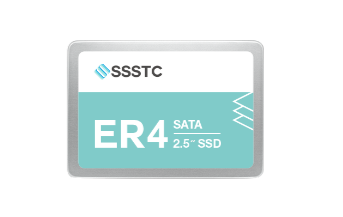
ER4 2.5"
NAND Flash: 3D TLC NAND Flash
Interface: SATA 3 (6Gb/s)
Sequential Read: UP to 550 MB/s
Sequential Write: UP to 530 MB/s
-
SSSTC SATA SSD
Widely used in rugged computers, laptops, servers, edge servers, video surveillance systems, and enterprise-level storage solutions, they offer stable and dependable data storage. -
SSSTC NVMe™ SSD
With high-speed transfer and low latency, it's used in data centers, cloud services, big data, gaming, and graphics, enhancing system performance and speed.
__24C15hqqtC.png)
__24C15wOdCC.png)








__24C05XQ2my.jpg)






__24C05fplcZ.png)
__24C05vgHYC.png)